A site going down brings a second job with it: the messages. Is it just me? Is the site down for everyone? Are you aware? Any idea how long? Every one of them needs answering, and every one of them lands while you're trying to do the actual fixing.
A status page is the standard answer to that. One public page you can point everyone at, so the questions answer themselves. The catch with most of them is that they're a third job. You have to remember to go and flip a switch to "investigating" at exactly the moment you have the least attention to spare. Plenty of outages never make it onto the status page that's meant to be reporting them.
So we built ours the other way round.
You can now publish a status page
Pick a site, give it a short name for the web address, choose what to show, publish. You get a clean public page at your-page.status.domaindash.io that shows whether the site is healthy, the recent uptime history, and any incident that's currently open.
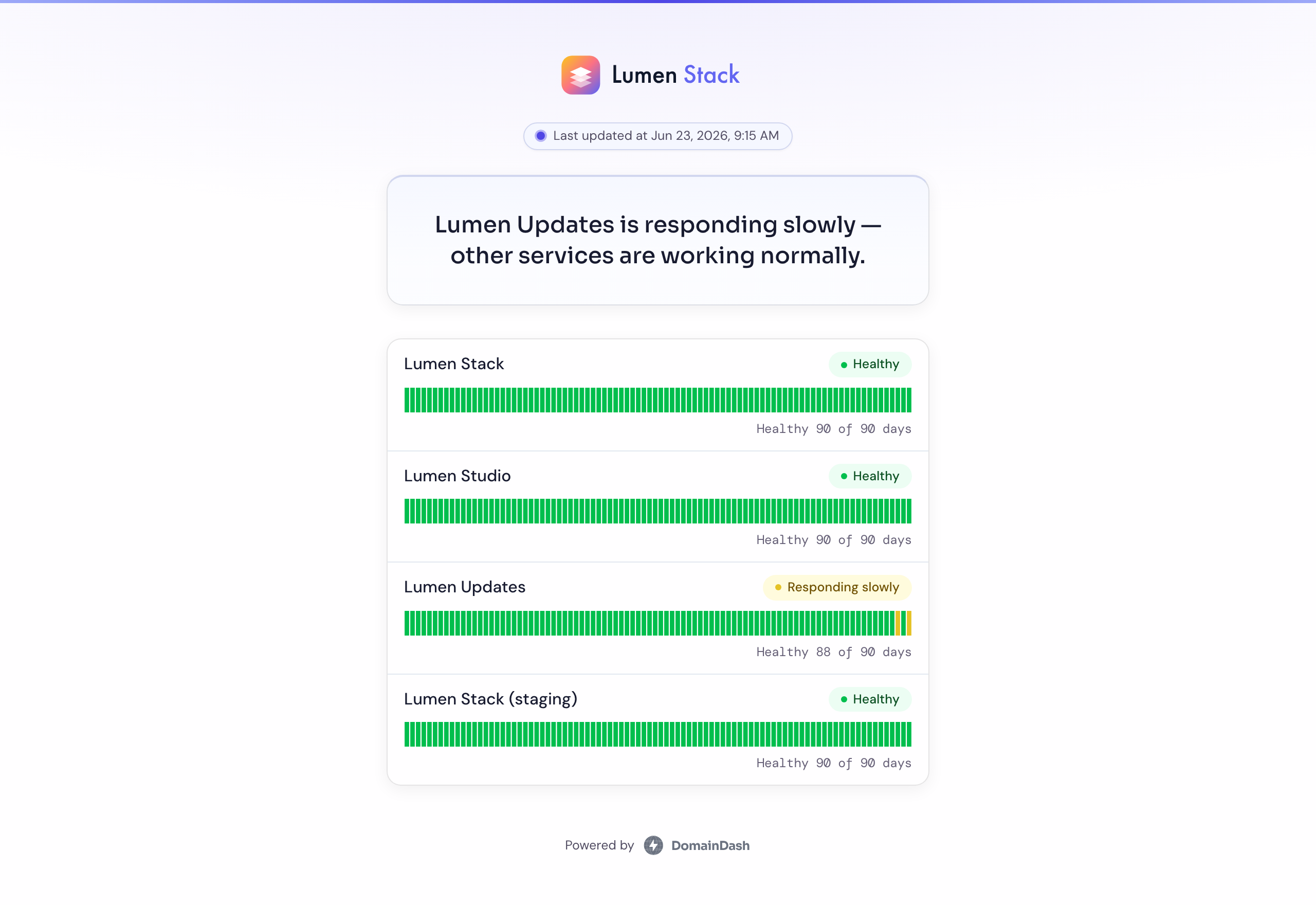
It fills itself in
DomainDash is already checking the site. That's the product. The status page is a public window onto checks that are already running, so it reflects reality on its own.
When a site stops responding, the page moves to Down without anyone touching it. When it's up but sluggish, the page says Responding slowly. We chose that wording for your customers. When the incident clears, the page clears. You never flip a switch, and the page is never out of date with the thing it's reporting on, because they're the same thing.
At the top sits a short plain-English summary of how the site's doing, under an Insights label. The same room-temperature read you get inside DomainDash, written for the people visiting the page rather than the person who owns it.
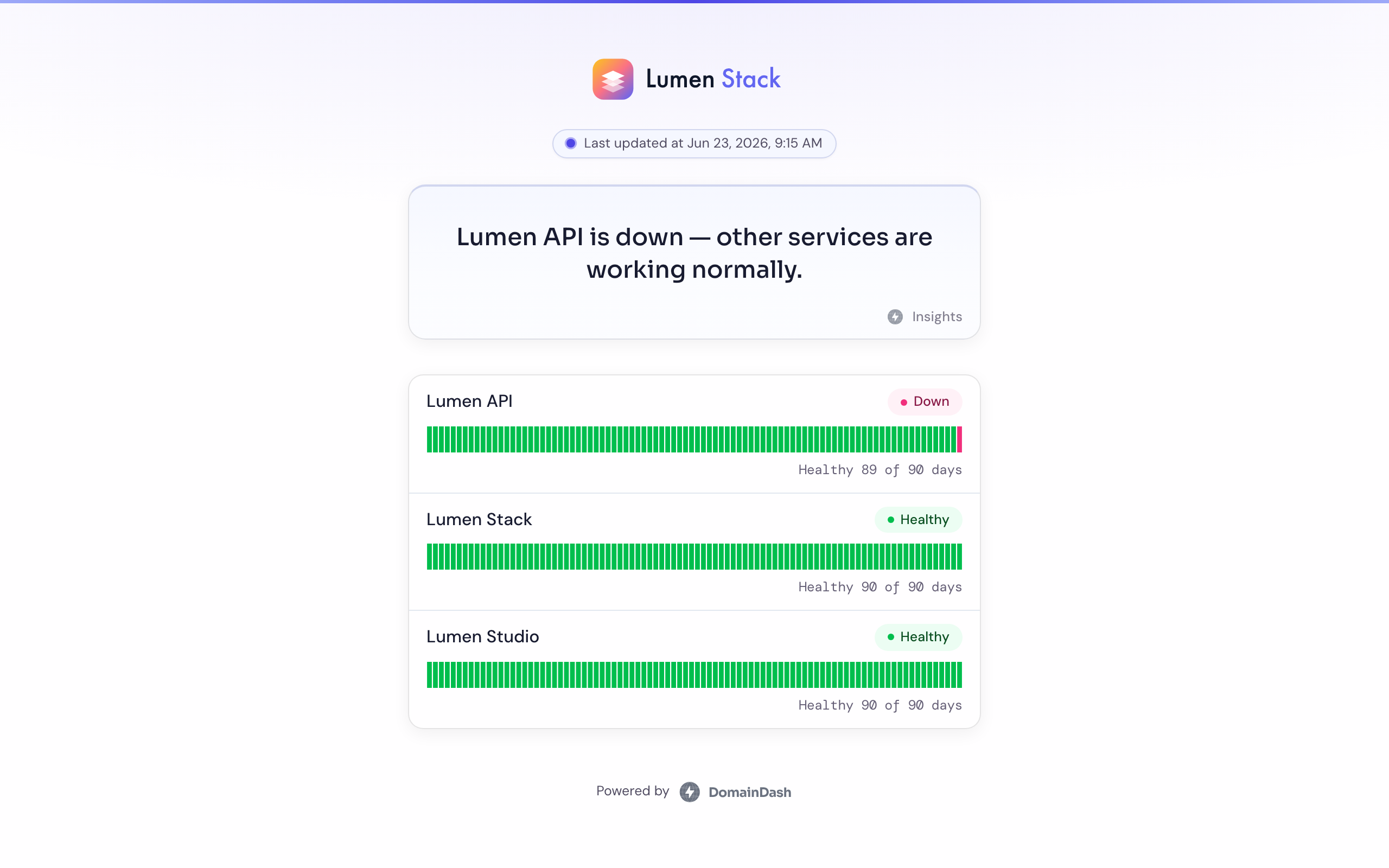
Visitors can subscribe
There's a subscribe box on every page. Anyone who depends on the site (a client, a colleague, the customer who emailed you last time) can drop in their email and get a message when the site goes down, and another when it's back, so they stop refreshing the page and you stop fielding the follow-ups. They confirm their address once, and they can unsubscribe from any email in one click.
Make it look like yours
A status page is a page your customers see, so it shouldn't look like ours. You can upload your logo and a browser tab icon and set the accent colour, and the page picks it up everywhere.
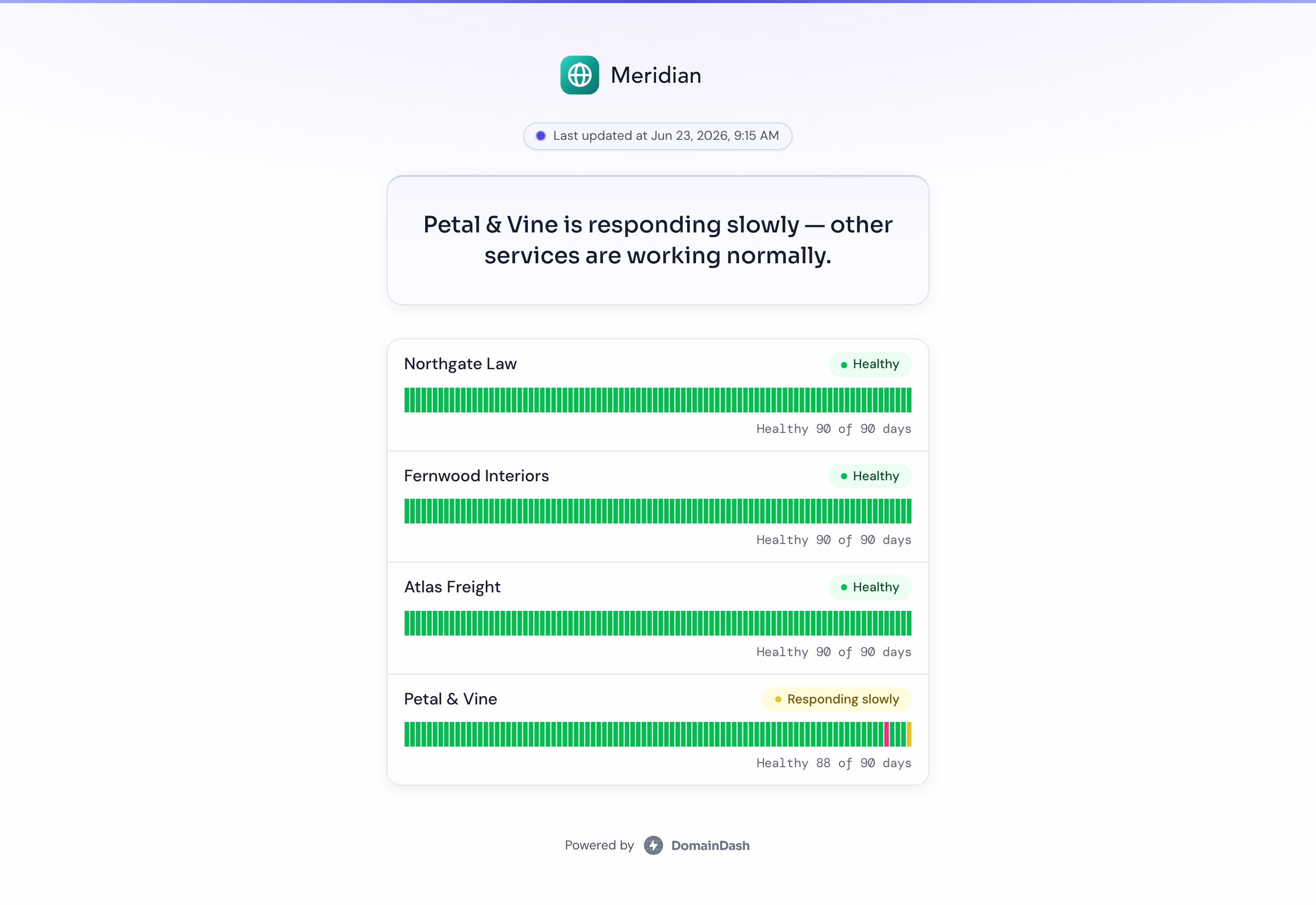
On the Business plan you can take it one step further and serve the page from your own domain (status.yourcompany.com) with the certificate handled for you. As far as your customers are concerned, it's your page on your domain. We're just the thing keeping it accurate.
We use it ourselves
Our other product, Redactr, runs its status page on this. Same checks, same page you'd publish, no special treatment. Have a look: redactr.status.domaindash.io. Putting our own uptime on it, in public, is about the most honest thing we can say about the feature.
Who gets it
Status pages are part of the Pro plan and up. You can publish as many as you like for the sites on your account. Custom domains are a Business feature. Branding, the subscribe flow, and the auto-updating status are included wherever status pages are.
If you run sites for clients, this is the one I'd most like your eyes on. You'll find Status pages in the main nav. Publish a page for a real site, send yourself the subscribe confirmation, and tell me whether the public wording reads right to someone who isn't technical. That's the audience it's written for. ed@domaindash.io, or grab me in the in-app chat.